
The proposal draft that takes longer than the call that generated it
You finish a 45-minute discovery call with a promising prospect. You have three pages of typed, unformatted notes containing fragments of operational constraints, feature requests mentioned in passing, and conflicting timeline goals from different stakeholders.
Even if you have automated your proposal mechanics using tools like PandaDoc or Dubsado, you still face an operational bottleneck: spending two hours turning those chaotic notes into a structured scope of work. Sitting in front of a blank document trying to translate raw bullet points into clear deliverables, defined boundaries, and precise project phases eats up valuable account manager time and delays your speed to delivery.
What this prompt does
In our AI brief-writing guide, we established that language models perform best when forced to strictly categorize unstructured input rather than summarize it broadly. This workflow applies that same operational principle to discovery call notes.
Rather than generating generic, client-facing prose, this prompt acts as a conservative internal solutions consultant. It reads your unedited call transcript or typed notes and generates a clean, standardized five-part scoping summary:
[Raw Discovery Notes] ──> [AI Scoping Prompt] ──> 1. Context
2. Requirements
3. Timeline (Reconciled/Flagged)
4. Open Questions (Unresolved Items)
5. Next Steps
- Context: A brief overview of the client’s current state, primary pain points, and core project objective.
- Requirements: Concrete, functional deliverables grouped logically by theme, stripped of conversation filler.
- Timeline: Stated launch targets and schedules, with any stakeholder conflicts explicitly highlighted.
- Open Questions: An isolated list of ambiguous requests, missing metrics, and unresolved scope items.
- Next Steps: Action items and assigned owners required before the final proposal can be priced and transmitted.
The prompt
Below is the exact prompt template. It contains explicit negative constraints that prevent the model from making assumptions or filling in operational gaps when notes are vague.
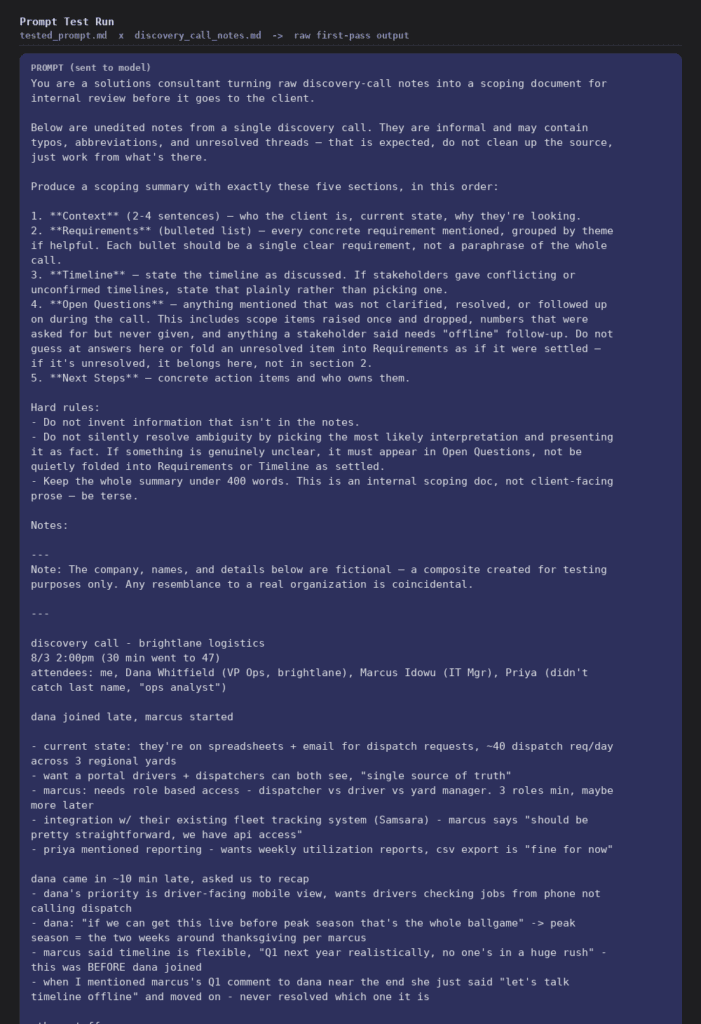
Prompt test run — full prompt sent to the model, unedited
You are a solutions consultant turning raw discovery-call notes into a scoping document for internal review before it goes to the client.
Below are unedited notes from a single discovery call. They are informal and may contain typos, abbreviations, and unresolved threads — that is expected. Do not clean up the source; just work from what’s there.
Produce a scoping summary with exactly these five sections, in this order:
1. Context (2-4 sentences) — who the client is, current state, why they’re looking.
2. Requirements (bulleted list) — every concrete requirement mentioned, grouped by theme if helpful. Each bullet should be a single clear requirement, not a paraphrase of the whole call.
3. Timeline — state the timeline as discussed. If stakeholders gave conflicting or unconfirmed timelines, state that plainly rather than picking one.
4. Open Questions — anything mentioned that was not clarified, resolved, or followed up on during the call. This includes scope items raised once and dropped, numbers that were asked for but never given, and anything a stakeholder said needs “offline” follow-up. Do not guess at answers here or fold an unresolved item into Requirements as if it were settled — if it’s unresolved, it belongs here, not in section 2.
5. Next Steps — concrete action items and who owns them.
Hard rules:
– Do not invent information that isn’t in the notes.
– Do not silently resolve ambiguity by picking the most likely interpretation and presenting it as fact. If something is genuinely unclear, it must appear in Open Questions, not be quietly folded into Requirements or Timeline as settled.
– Keep the whole summary under 400 words. This is an internal scoping doc, not client-facing prose — be terse.
Notes:
—
Note: The company, names, and details below are fictional — a composite created for testing purposes only. Any resemblance to a real organization is coincidental.
discovery call – brightlane logistics 8/3 2:00pm (30 min went to 47) attendees: me, Dana Whitfield (VP Ops, brightlane), Marcus Idowu (IT Mgr), Priya (didn’t catch last name, “ops analyst”)
dana joined late, marcus started
- current state: they’re on spreadsheets + email for dispatch requests, ~40 dispatch req/day across 3 regional yards
- want a portal drivers + dispatchers can both see, “single source of truth”
- marcus: needs role based access – dispatcher vs driver vs yard manager. 3 roles min, maybe more later
- integration w/ their existing fleet tracking system (Samsara) – marcus says “should be pretty straightforward, we have api access”
- priya mentioned reporting – wants weekly utilization reports, csv export is “fine for now”
dana came in ~10 min late, asked us to recap
- dana’s priority is driver-facing mobile view, wants drivers checking jobs from phone not calling dispatch
- dana: “if we can get this live before peak season that’s the whole ballgame” -> peak season = the two weeks around thanksgiving per marcus
- marcus said timeline is flexible, “Q1 next year realistically, no one’s in a huge rush” – this was BEFORE dana joined
- when I mentioned marcus’s Q1 comment to dana near the end she just said “let’s talk timeline offline” and moved on – never resolved which one it is
other stuff:
- marcus asked, almost in passing, “oh and can it handle the union reporting thing too” – nobody followed up, I asked “which report specifically” and he said “the union wants monthly hours breakdowns, it’s kind of annoying” then priya jumped in about something else and it never came back up. not clear if this is in scope, what format, what system it pulls from, or if it’s even a hard requirement or marcus just venting
- budget not discussed, dana said “let’s get scope right first”
- security: marcus wants SSO eventually, “not blocking for v1” – he was clear on this one at least
- no mention of number of total users, asked but got sidetracked into the Samsara api discussion, never came back to a number. ballpark from headcount slide priya shared earlier in the deal: ~85 people company-wide but unclear how many would actually use the portal
- next steps: dana to send driver app examples she likes, we send back a scoping doc
action items (mine):
get Samsara API docs from marcus
follow up on user count
follow up on the union reporting ask – scope or not?
confirm timeline w/ dana + marcus together
—
What good output looks like
To demonstrate this workflow in practice, we ran the prompt against a realistic set of unedited discovery notes for a fictional logistics client (Brightlane Logistics). The raw notes were deliberately messy: three attendees spoke over each other, the VP of Operations and the IT Manager disagreed on the target launch date, a complex compliance feature was mentioned once and dropped, and the total user seat count was never clarified.
Below is the complete, unedited output returned by the model on its first pass:
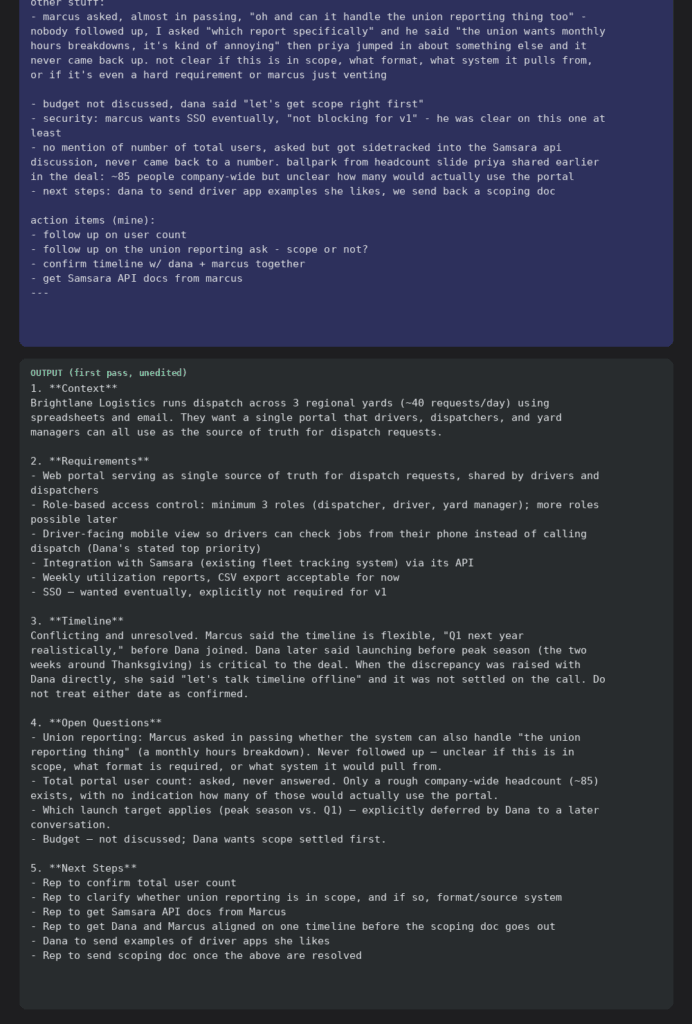
Prompt test run — first-pass output, unedited
1. Context
Brightlane Logistics runs dispatch across 3 regional yards (~40 requests/day) using spreadsheets and email. They want a single portal that drivers, dispatchers, and yard managers can all use as the source of truth for dispatch requests.
2. Requirements
– Web portal serving as single source of truth for dispatch requests, shared by drivers and dispatchers
– Role-based access control: minimum 3 roles (dispatcher, driver, yard manager); more roles possible later
– Driver-facing mobile view so drivers can check jobs from their phone instead of calling dispatch (Dana’s stated top priority)
– Integration with Samsara (existing fleet tracking system) via its API
– Weekly utilization reports, CSV export acceptable for now
– SSO — wanted eventually, explicitly not required for v1
3. Timeline
Conflicting and unresolved. Marcus said the timeline is flexible, “Q1 next year realistically,” before Dana joined. Dana later said launching before peak season (the two weeks around Thanksgiving) is critical to the deal. When the discrepancy was raised with Dana directly, she said “let’s talk timeline offline” and it was not settled on the call. Do not treat either date as confirmed.
4. Open Questions
– Union reporting: Marcus asked in passing whether the system can also handle “the union reporting thing” (a monthly hours breakdown). Never followed up — unclear if this is in scope, what format is required, or what system it would pull from.
– Total portal user count: asked, never answered. Only a rough company-wide headcount (~85) exists, with no indication how many of those would actually use the portal.
– Which launch target applies (peak season vs. Q1) — explicitly deferred by Dana to a later conversation.
– Budget — not discussed; Dana wants scope settled first.
5. Next Steps
– Rep to confirm total user count
– Rep to clarify whether union reporting is in scope, and if so, format/source system
– Rep to get Samsara API docs from Marcus
– Rep to get Dana and Marcus aligned on one timeline before the scoping doc goes out
– Dana to send examples of driver apps she likes
– Rep to send scoping doc once the above are resolved
The proof moment
The key measure of a scoping prompt is how it handles ambiguity. Standard language models naturally attempt to please the user by smoothing over gaps, averaging conflicting numbers, or silently picking an interpretation to make the final output look polished. In a proposal workflow, that behavior is dangerous: if an AI silently assumes a launch date or adds an unpriced feature to a contract, your agency absorbs the operational risk.
Notice how the prompt handled the three deliberate failure points in the raw notes:
1. The Timeline Conflict
- What happened in the call: The IT Manager wanted a Q1 rollout. The VP of Operations demanded a pre-Thanksgiving launch, then pushed the discussion “offline.”
- How a naive AI responds: Picks “Q4/Thanksgiving” because the VP is senior, or states “Target launch: Q4–Q1.”
- How this prompt responded: Explicitly flagged the section as Conflicting and unresolved. It listed both statements verbatim and explicitly instructed the reader: “Do not treat either date as confirmed.”
2. The Mentioned-and-Dropped Scope Item
- What happened in the call: The IT Manager asked in passing, “Can it handle the union reporting thing too?” Another attendee interrupted, and the topic was never fully resolved.
- How a naive AI responds: Quietly adds “Union Reporting Module” as a bullet point under Section 2 (Requirements).
- How this prompt responded: Refused to list it under Requirements. Instead, it isolated the item under Open Questions, noting that it was unclear if the feature was in scope, what format was needed, or what source database was required.
3. Missing Data
- What happened in the call: The account executive asked for seat counts and was sidetracked by an API discussion.
- How a naive AI responds: Omits the gap entirely or guesses a user count based on the company size.
- How this prompt responded: Logged “Total portal user count: asked, never answered” directly in Open Questions and assigned an action item to the sales rep under Next Steps.
By forcing the model to segregate verified requirements from open questions, you prevent scope creep before the draft ever reaches a client.
Where this fits in your stack
This prompt serves as the intelligent translation layer in your broader sales automation stack:
| Workflow Stage | Tool / System | Operational Role |
| 1. Capture | Zoom / Fathom / Otter / Manual Notes | Captures unedited discovery call audio and raw notes. |
| 2. Structuring | This AI Scoping Prompt | Extracts structured deliverables, flags timeline conflicts, and lists open questions. |
| 3. Draft Assembly | Make.com (Lead-to-Proposal Workflow) | Maps structured scope tokens directly into document placeholders. |
| 4. Delivery & E-Sign | PandaDoc / Dubsado (Proposal Tool Evaluation) | Formats, tracks, and delivers the polished proposal to the client. |
When paired with a document automation tool, this prompt eliminates the two-hour writing delay between completing a call and generating a draft proposal.
What to add next
- Webhook Trigger on Document Creation: Configure a Make.com scenario that watches a specific Google Drive folder or Notion database (e.g., “01 Raw Discovery Notes”). When a new document is added, Make automatically sends the text to the LLM via API, runs this prompt, and appends the structured scoping output to the top of the file.
- Direct Token Mapping into PandaDoc: Parse the output of Section 2 (Requirements) into custom JSON variables. Feed those variables directly into your PandaDoc proposal automation to pre-populate dynamic scope blocks automatically.
- Automated Account Manager Review Slack Ping: If Section 4 (Open Questions) contains more than two unresolved items, instruct your automation to post a warning message in your team’s Slack channel: “⚠️ Scoping Warning: [Client Name] has 3 unresolved scope questions. Review required before proposal generation.”
The honest limitations
First, this prompt drafts scope, not final pricing or legal terms. It organizes functional requirements and highlights ambiguities, but it cannot determine whether a custom API integration should cost $5,000 or $15,000. Pricing logic, payment schedules, and liability terms still require experienced human oversight.
Second, AI output requires a mandatory human review pass. Never configure an automation to send a generated proposal draft directly to a prospect without account manager approval. The prompt is designed to highlight open questions for internal review; a human must address those questions before client transmission.
Finally, output quality is strictly bounded by input quality. This workflow extracts and categorizes existing information — it cannot extract information that was never discussed. If an account executive conducts a superficial discovery call and takes minimal notes, the resulting scoping document will be equally sparse. Clean input remains a prerequisite for reliable automation.
